

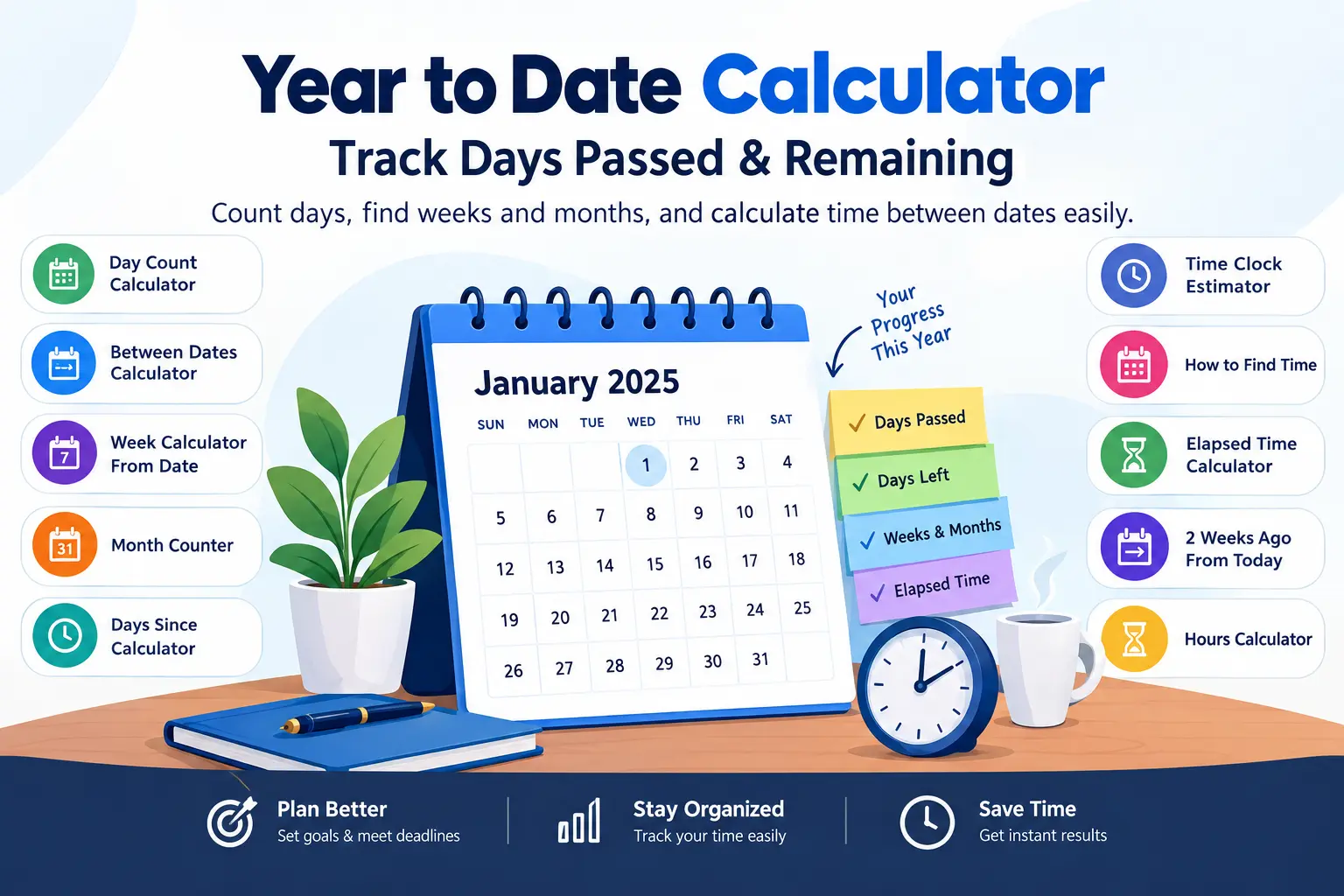
Year to Date Calculator: Track Days, Weeks, Months, and Time Passed This Year
A Year to Date Calculator is a useful tool for finding how much time has passed since the beginning of the current year. It helps you count days, track weeks and months, measure elapsed time, and find how many days are left in the year. Whether you need to check work progress, plan tasks, review yearly goals, or calculate the time between important events, this tool makes date calculations simple and accurate.
Unlike a basic date tool, a year to date calculator helps you understand your progress through the year using clear date-based results. You can also use a day count calculator, between dates calculator, or day of the year calculator to answer common questions about time.
What Is a Year to Date Calculator?
A year to date calculator measures the time from January 1 of a given year up to a selected date. The term Year to Date (YTD) is commonly used in business, finance, work reports, and personal planning to describe progress made since the start of the year.
For example, if you want to know how many days have passed since January 1, you can enter your selected date and calculate the elapsed time. You can also use the result to understand what percentage of the year has passed.
A year to date calculator is useful for:
-
- Tracking yearly goals: Measure your progress throughout the year.
-
- Counting days: Find the number of days between two dates.
-
- Planning work: Calculate the time spent on a project.
-
- Reviewing progress: Understand how much of the year is complete.
-
- Planning future events: Find the number of days remaining before December 31.
How Does a Year to Date Calculator Work?
A year to date calculator uses the first day of the year and your chosen end date to calculate the time difference. Depending on the tool, results may be displayed in days, weeks, months, or percentages.
Follow these simple steps:
-
- Choose the year you want to calculate.
-
- Enter the date you want to check.
-
- Calculate the result to find the number of elapsed days.
-
- Review your results to understand your yearly progress.
For example, from January 1 to January 31, 30 full days have elapsed. However, if you count both January 1 and January 31, the total is 31 calendar days.
Understanding this difference is important because some calculators count elapsed days, while others use an inclusive date count.
How to Calculate Year to Date Manually
You can calculate year to date manually by counting the days from January 1 to your selected date.
Basic formula:
Days Elapsed = Selected Date − January 1
If you want to include January 1 as day one, add one to the elapsed-day count.
For example:
-
- January 1: Day 1 of the year.
-
- January 2: Day 2 of the year.
-
- February 1: Day 32 in a common year.
-
- December 31: Day 365 in a common year or day 366 in a leap year.
A day of the year calculator can automatically determine the correct day number without requiring manual calculations.
How Many Days Have Passed This Year?
The answer to how many days has passed this year depends on the date you are checking and whether the year is a leap year.
A common year contains 365 days, while a leap year contains 366 days. February has 28 days in a common year and 29 days in a leap year.
To calculate how many days have passed:
-
- Start from January 1.
-
- Select the date you want to calculate.
-
- Decide whether to count full days elapsed or include both the start and end dates.
This calculation is useful for business reports, school schedules, yearly goals, project tracking, and personal planning.
How Many Days Left in the Year?
A year to date calculator can also help you find how many days are left in the year. This feature is useful when planning deadlines, setting yearly goals, and preparing for the next calendar year.
Formula:
Days Remaining = Total Days in the Year − Days Elapsed
Use 365 days for a common year and 366 days for a leap year.
For example, if 100 full days have elapsed in a common year, 265 days remain after those 100 days. If you want to count the current date as part of the remaining days, adjust the calculation accordingly.
Year to Date Calculator vs. Other Date Tools
Different date calculators provide different results. A year to date calculator focuses on time passed since the beginning of a year, while other tools measure specific date ranges or time intervals.
Day Count Calculator
A day count calculator finds the number of days between two dates. It is useful for deadlines, event planning, project schedules, and tracking important dates.
Between Dates Calculator
A between dates calculator measures the time difference between any two dates, including dates in different months or years. It can help you calculate total days, weeks, and other date intervals.
Day of the Year Calculator
A day of the year calculator tells you the position of a date within the calendar year, from day 1 to day 365 or 366.
Elapsed Time Calculator
An elapsed time calculator measures the amount of time that has passed between two dates or clock times. It is useful for work hours, travel duration, meetings, and daily activities.
Week Calculator From Date: Count Weeks Easily
A week calculator from date helps you determine the number of weeks between a starting date and an ending date. It can also help you find a date a specific number of weeks before or after another date.
For example, if you are planning a six-week project, a week calculator can help you determine its expected completion date. This makes it easier to organize milestones, meetings, and project deadlines.
Remember that one week equals seven days, but calendar-week calculations may differ from full seven-day periods.
Month Counter: Find the Months Between Dates
A month counter calculates the number of months between two dates. It is helpful for subscriptions, school terms, project timelines, employment periods, and long-term planning.
Months have different lengths, so one calendar month does not always equal 30 days. February may have 28 or 29 days, while other months have 30 or 31 days.
If you need an exact number of days, use a day count calculator. If you need to measure complete calendar months, choose a month counter that accounts for the dates entered.
Days Since Calculator: Track Time From a Past Date
A days since calculator tells you how many days have passed since a selected date. You can use it to track anniversaries, project start dates, school terms, milestones, and other important events.
For example, you can calculate how many days have passed since January 1 or determine the duration of a project that started several weeks ago.
You can also calculate 2 weeks ago from today by subtracting 14 calendar days from today’s date. A date calculator makes this process quick and convenient.
Time Clock Estimator: Calculate Work Hours
A time clock estimator helps you calculate the time spent at work by comparing starting and ending times. It is useful for shift planning, timesheets, employee schedules, and work-hour tracking.
For example, if you start work at 9:00 AM and finish at 5:00 PM, the total time between these points is 8 hours. If you take a 30-minute unpaid break, your working time becomes 7 hours and 30 minutes.
For accurate results, enter the correct starting and ending times and account for breaks. If your shift continues past midnight, make sure the calculator supports overnight time calculations.
How to Find Time Between Two Dates or Times
If you want to know how to find time between two events, first determine whether you need the result in days, hours, or minutes.
For date calculations, enter the start date and end date into a between dates calculator. For clock-time calculations, enter the starting and ending times into an elapsed time calculator.
An hours calculator can help you calculate time intervals, add work hours, and convert hours and minutes into decimal hours.
For example, 2 hours and 30 minutes equals 2.5 hours. Decimal hours are especially useful for timesheets, payroll records, and work reports.
Elapsed Time Calculator and Hours Calculator
An elapsed time calculator measures the time between two points. It can help you calculate how long an activity lasted, how much time has passed since an event, or how long a project has been running.
An hours calculator focuses on hours and minutes and can help you:
-
- Add working hours across multiple shifts.
-
- Calculate time differences between clock readings.
-
- Estimate task duration for daily planning.
-
- Convert hours and minutes into decimal hours.
-
- Calculate overnight shifts, when supported by the tool.
Always check whether breaks are included in the result and whether the calculator displays time in hours, minutes, or decimal format.
Year to Date Calculator for Business and Finance
The term Year to Date (YTD) is widely used in business and finance. It refers to a period beginning at the start of a year and ending on a selected date.
For example, a business may review year-to-date sales, an employee may check year-to-date earnings, or a website owner may compare website traffic from January to the current date.
A year to date calculator helps you understand the time period covered by a report, but it does not calculate financial performance by itself.
Remember that YTD results depend on the selected date range and the information being measured. Some businesses use a financial year rather than a calendar year, so always check which reporting period applies.
Benefits of Using an Online Year to Date Calculator
Using a year to date calculator saves time and reduces mistakes when calculating dates manually.
Its main benefits include:
-
- Fast and simple calculations: Get date results in seconds.
-
- Accurate day counting: Account for month lengths and leap years.
-
- Easy time tracking: Calculate days, weeks, and months.
-
- Better planning: Organize deadlines, schedules, and yearly goals.
-
- Flexible usage: Use date calculations for business, education, and personal activities.
-
- Improved productivity: Spend less time counting days manually.
For the best results, choose a calculator that clearly explains whether the start date and end date are included in the final count.
Frequently Asked Questions
1. What is a year to date calculator?
A year to date calculator finds the time between January 1 and a selected date. It helps you track yearly progress and calculate elapsed days.
2. How many days have passed this year?
The answer depends on the date you check. A common year has 365 days, while a leap year has 366 days. A date calculator can determine the elapsed-day count.
3. How many days are left in the year?
Subtract the number of elapsed days from the total number of days in the year. Use 365 for a common year or 366 for a leap year, making sure your counting method is consistent.
4. Can I use a year to date calculator to count weeks?
Yes. A week calculator from date helps you calculate full seven-day periods between two dates or determine a date several weeks before or after another date.
5. What is the difference between a day count calculator and a days since calculator?
A day count calculator generally measures the number of days between two dates, while a days since calculator focuses on the time that has passed since a specific date.
6. Can I calculate hours between two times?
Yes. An hours calculator or elapsed time calculator can calculate the time between two clock readings. Remember to subtract unpaid breaks when calculating working hours.
7. Does a year to date calculator work for leap years?
Yes, if the tool accounts for leap years. A leap year contains 366 days, including 29 days in February.
8. Can I find the date two weeks ago from today?
Yes. Subtract 14 calendar days from today’s date to find 2 weeks ago from today. A date calculator can perform this calculation automatically.
Conclusion
A Year to Date Calculator is a convenient tool for tracking time from the beginning of the year, counting elapsed days, and planning for the future. Whether you need a day count calculator, between dates calculator, month counter, days since calculator, or hours calculator, the right tool helps you get clear results without manual counting.
Use a year to date calculator to discover how many days have passed this year, calculate how many days are left in the year, and organize your personal or professional schedule. By understanding elapsed days, inclusive date counts, leap years, and calendar months, you can make better decisions and manage your time more effectively.