

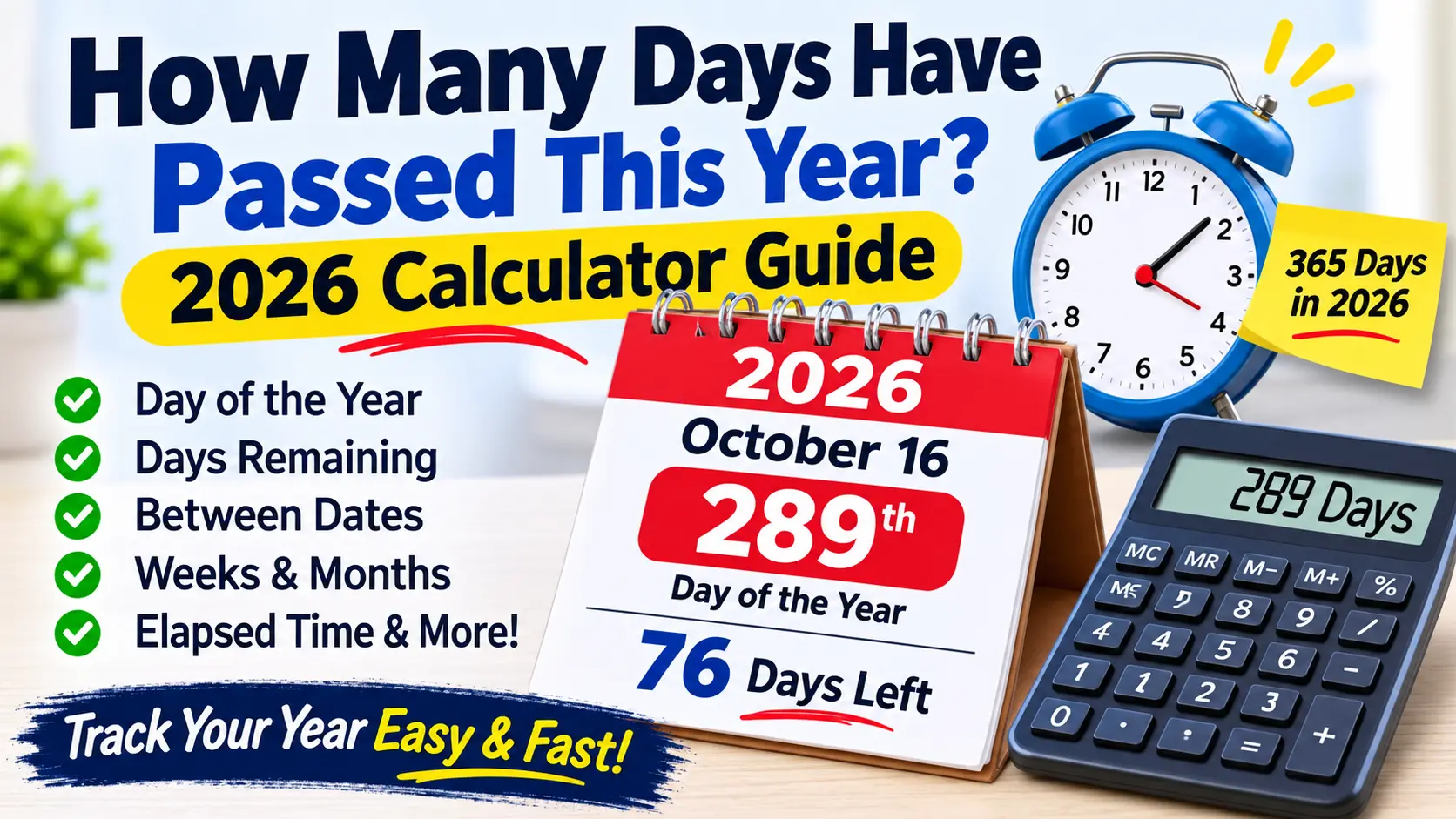
How Many Days Has Passed This Year? A Complete Guide to Day Counting
Knowing how many days has passed this year can help you track annual progress, calculate elapsed time, plan important events, and manage personal or professional goals. Whether you want to know the current day of the year or calculate the number of days between two dates, understanding date calculations makes it easier to organize your schedule and stay on track.
As the year progresses, every date represents another step toward the end of the calendar year. A simple date calculation can show how many days have already passed, how many remain, and what percentage of the year is complete.
How Many Days Have Passed This Year in 2026?
The number of days that have passed in a year depends on the current date. Since 2026 is a common year with 365 days, it does not include February 29.
As of October 16, 2026, the calculation is as follows:
-
- Total days in 2026: 365 days
-
- Current date: October 16, 2026
-
- Day of the year: 289
-
- Days completed before today: 288
-
- Days remaining after today: 76
This means October 16 is the 289th day of the year. If you count the current date as part of the elapsed period, 289 calendar days have been reached. If you count only fully completed days before today, 288 days have passed.
This distinction is important when using a day count calculator because some tools include the start date while others calculate the difference between dates without counting the starting day.
What Is a Day of the Year Calculator?
A day of the year calculator determines the numerical position of a particular date within a calendar year. For example, January 1 is day 1, while December 31 is day 365 in a common year.
This calculation is useful for tracking annual schedules, monitoring project timelines, calculating business milestones, and understanding how much of the year has elapsed.
The day number is calculated by adding the days in all completed months to the current day of the month. For October 16, the calculation is:
31 + 28 + 31 + 30 + 31 + 30 + 31 + 31 + 30 + 16 = 289 days
Because February has 28 days in 2026, the result is 289.
How Does a Year to Date Calculator Work?
A year to date calculator helps you measure the period from the beginning of the current year to a selected date. It can be used for calendar-day tracking, business reporting, financial summaries, and personal planning.
For example, businesses may use year-to-date calculations to review sales performance, while individuals may use them to track goals, projects, or important milestones.
To calculate year-to-date days manually:
-
- Identify the current date.
-
- Add the total days in each completed month.
-
- Add the current day of the month.
-
- Adjust February if the year is a leap year.
A year to date calculator can perform these calculations automatically, reducing the chance of mistakes and saving time.
How Many Days Are Left in the Year?
Knowing how many days left in the year can help you plan deadlines, finish projects, organize holidays, and evaluate annual goals.
In 2026, October 16 is the 289th day of the year. Therefore:
365 − 289 = 76 days remaining after October 16.
If you include October 16 in the count of dates remaining, there are 77 calendar dates from October 16 through December 31, inclusive.
This information is useful for anyone who wants to plan the final months of the year or calculate the time available before a year-end deadline.
Using a Between Dates Calculator for Accurate Results
A between dates calculator calculates the difference between two calendar dates. Instead of counting each day manually, you enter a start date and an end date to find the number of days between them.
For example, you can use it to calculate:
-
- The number of days between two appointments.
-
- The length of a project or business campaign.
-
- The time remaining before a deadline.
-
- The duration between a past event and today.
A days since calculator is particularly useful when you want to know how long ago a specific event occurred. Depending on the tool, you may also be able to calculate the difference in weeks, months, or years.
Always check whether the calculator includes both the start and end dates, especially when working with deadlines or official schedules.
How to Use a Week Calculator From Date
A week calculator from date converts a date range into weeks and additional days. This is helpful when tracking work schedules, study plans, personal projects, and event preparation.
For instance, a period of 30 days is equal to 4 weeks and 2 days because four weeks contain 28 days.
When calculating weeks between two dates, remember that the result may vary depending on whether you want complete seven-day periods or calendar weeks. A date calculator can make this distinction easier to understand.
What Is a Month Counter?
A month counter calculates the number of months between two dates. It is useful for tracking subscriptions, employment periods, project durations, and anniversaries.
However, months have different lengths, ranging from 28 to 31 days. For this reason, a period of 60 days is not always exactly two calendar months.
If you need an accurate result, enter both dates into a calculator that supports calendar-month calculations rather than simply dividing the total days by 30.
Understanding an Elapsed Time Calculator
An elapsed time calculator measures the amount of time that has passed between a starting point and an ending point. Depending on the tool, the result may be displayed in days, hours, minutes, or seconds.
For example, if an activity starts at 9:00 AM and finishes at 1:30 PM on the same day, the elapsed time is 4 hours and 30 minutes.
This type of calculation is useful for work schedules, study sessions, travel planning, event timing, and productivity tracking.
A time clock estimator can also help estimate working hours when start times, finish times, and breaks are known. For accurate results, make sure you account for overnight shifts and any unpaid breaks.
How to Find Time Between Two Dates
If you are wondering how to find time between two dates, the simplest method is to subtract the earlier date from the later date.
Follow these steps:
-
- Select the starting date.
-
- Select the ending date.
-
- Decide whether the starting and ending dates should be included.
-
- Calculate the difference in days.
-
- Convert the result into weeks, months, or hours if needed.
A date calculator can automate this process and provide a clearer breakdown of the duration.
For calculations involving hours, remember that one standard day contains 24 hours. Therefore, 7 complete days equal 168 hours. Daylight-saving changes may affect the actual elapsed hours between local times in regions that observe them.
How to Calculate 2 Weeks Ago From Today
The keyword 2 weeks ago from today refers to the date exactly 14 days before the current date.
To find this date, subtract 14 calendar days from today’s date. For example, if today is October 16, 2026, then two weeks ago was October 2, 2026.
This calculation can help you review previous appointments, track recent activities, check order timelines, or determine when an event occurred.
A days since calculator or between dates calculator can also calculate the number of days between that past date and today.
Using an Hours Calculator for Time Conversions
An hours calculator converts periods into hours or calculates the time between two clock readings. It can be useful for payroll estimates, work tracking, study schedules, and project planning.
Here are some basic conversions:
-
- 1 day = 24 hours
-
- 1 week = 168 hours
-
- 30 days = 720 hours
-
- 365 days = 8,760 hours
These conversions assume complete 24-hour days. Actual elapsed hours can differ when a period crosses daylight-saving clock changes.
An hours calculator is especially helpful when you need to convert a longer period into hours without performing repetitive calculations manually.
Why Accurate Day Counting Matters
Accurate date calculations can improve planning and reduce confusion in everyday tasks. Students can use day counting to manage assignment deadlines, professionals can measure project durations, and businesses can calculate reporting periods.
A reliable calculator is useful for:
-
- Annual progress tracking: Determine the current day of the year.
-
- Deadline management: Find the number of days remaining before an important date.
-
- Project planning: Calculate the duration between milestones.
-
- Time tracking: Convert elapsed periods into days or hours.
-
- Personal scheduling: Calculate anniversaries, upcoming events, and past dates.
For financial, legal, medical, or official deadlines, always verify the applicable counting rules because inclusive dates, working days, and calendar days may be treated differently.
Frequently Asked Questions
1. How many days has passed this year?
As of October 16, 2026, the current date is the 289th day of the year. That means 288 full days were completed before October 16 began.
2. How many days are in 2026?
The year 2026 has 365 days because it is not a leap year.
3. How many days are left in the year?
After October 16, 2026, there are 76 days remaining until December 31. Including October 16 itself, there are 77 calendar dates left in the year.
4. How can I calculate the number of days between two dates?
Use a between dates calculator by entering the start and end dates. The tool calculates the difference without requiring you to count every day manually.
5. What is the difference between a day count calculator and a year to date calculator?
A day count calculator generally measures the days between dates, while a year to date calculator measures progress from the beginning of a year to a selected date.
6. Can I calculate weeks and months between dates?
Yes. A week calculator from date can convert a period into weeks and days, while a month counter can calculate the number of calendar months between two dates.
Calculate Days and Time Easily
If you want to calculate the number of days that have passed this year, determine how many days left in the year, find a past date, or measure the duration between two events, an online date calculator can make the process faster and more accurate. Use a year to date calculator, day count calculator, or elapsed time calculator to get the results you need without complicated manual calculations.
If you want to calculate how many days have passed this year, find the days remaining until the end of the year, or calculate the time between two dates, use our easy and accurate online calculator. Click the link provided below to access the tool and get your results quickly without any complicated manual calculations.